Printable Sticker Paper
Printable sticker paper is adhesive paper that goes through a home printer so you can make your own stickers. This sticker sheet maker draws cut lines on Letter or A4: pick the shape, size, margin and gap, see how many fit, print on sticker paper and cut along the lines.
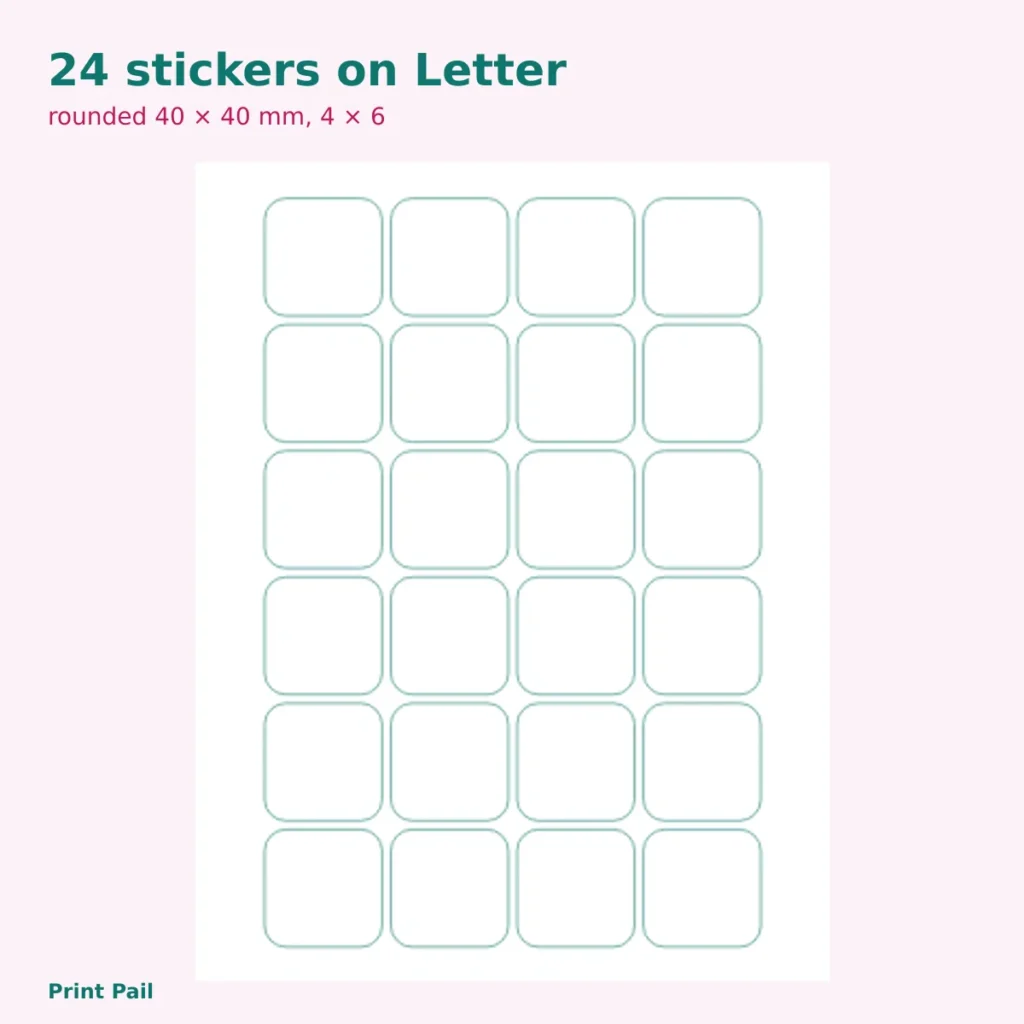
Worked example: 40 mm stickers on Letter
A Letter sheet is 215.9 mm wide. With a 10 mm margin each side, 195.9 mm is usable. Each sticker takes 40 mm plus a 3 mm gap, so (195.9 + 3) ÷ 43 = 4.6, which means 4 across. The height is 279.4 − 20 = 259.4 mm, and (259.4 + 3) ÷ 43 = 6.1, so 6 down. That is 4 × 6 = 24 stickers per sheet. On A4 the answer is also 24.
How many fit (margin 10 mm, gap 3 mm)
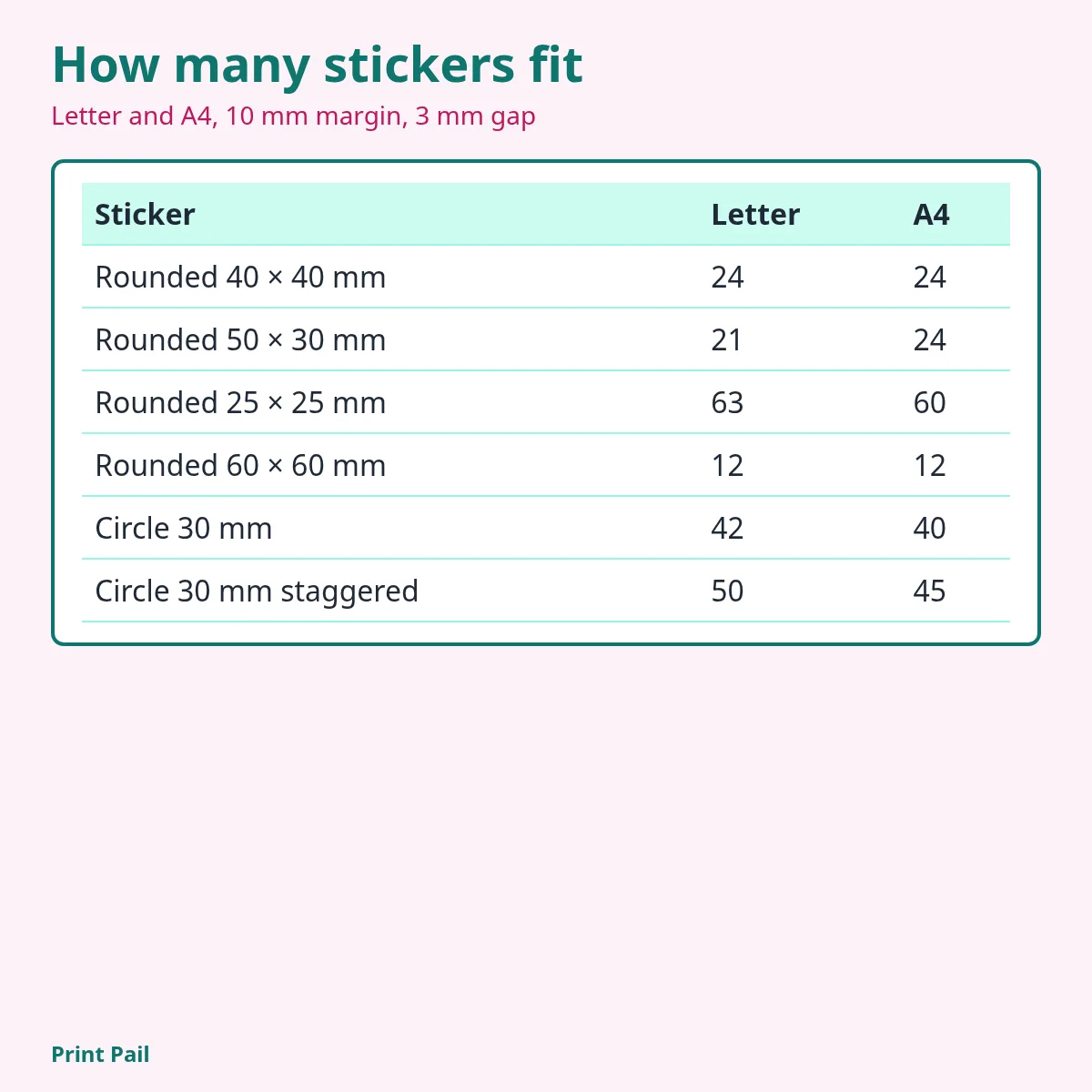
| Sticker | Letter | A4 |
|---|---|---|
| Rounded 40 × 40 mm | 24 (4 × 6) | 24 (4 × 6) |
| Rounded 50 × 30 mm | 21 (3 × 7) | 24 (3 × 8) |
| Rounded 25 × 25 mm | 63 (7 × 9) | 60 (6 × 10) |
| Rounded 60 × 60 mm | 12 (3 × 4) | 12 (3 × 4) |
| Circle 30 mm | 42 (6 × 7) | 40 (5 × 8) |
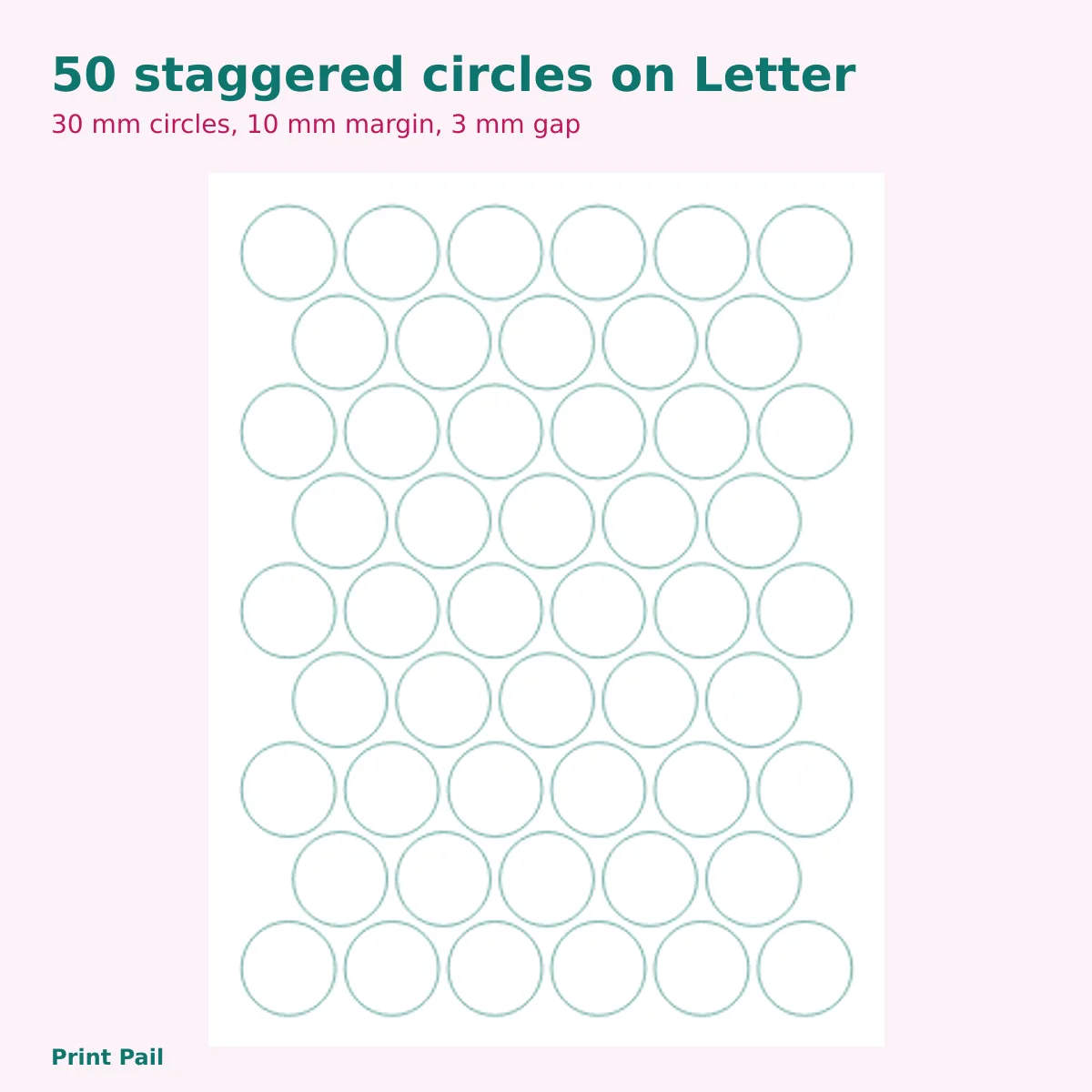
| Circle 30 mm, staggered | 50 | 45 |
The same sheet holds 12 big 60 mm stickers or 63 small 25 mm ones on Letter. If you would rather plan a layout of your own first, try the grid paper printable to sketch the cut lines.
Before you print
- Check the size of your sticker paper: Letter 8.5 × 11 in or A4 210 × 297 mm.
- Print one test sheet on plain paper and hold it against the sticker sheet to see that the lines match.
- Print at 100% or “Actual size”, with no “fit to page”.
- Cut along the lines once the ink is dry.
These sheets are printing aids; see the disclaimer. Back to Coloring Pages Free Printable on Print Pail for more sheets to print.
Frequently asked questions
Do I need special paper?
Yes. Use sticker paper made for your type of printer, inkjet or laser, and follow the maker’s instructions on the pack.
What margin should I use?
Many home printers cannot print right to the edge of the sheet. The default is 10 mm, and you can lower it to 5 mm if your printer allows.
What does “stagger” do?
It shifts every second row of circles by half a sticker so the rows nest closer together. It only changes anything for circles, and it can fit more per sheet, such as 50 instead of 42 for 30 mm circles on Letter.
How do I cut the stickers?
Cut along the thin lines with scissors, or use a craft cutter and a ruler for straight sides. A gap of 3 mm leaves room for the blade between stickers.
Was this page helpful?
Tell us what worked or what to fix. It takes ten seconds.
Thank you! Your note reached us.