About Print Pail
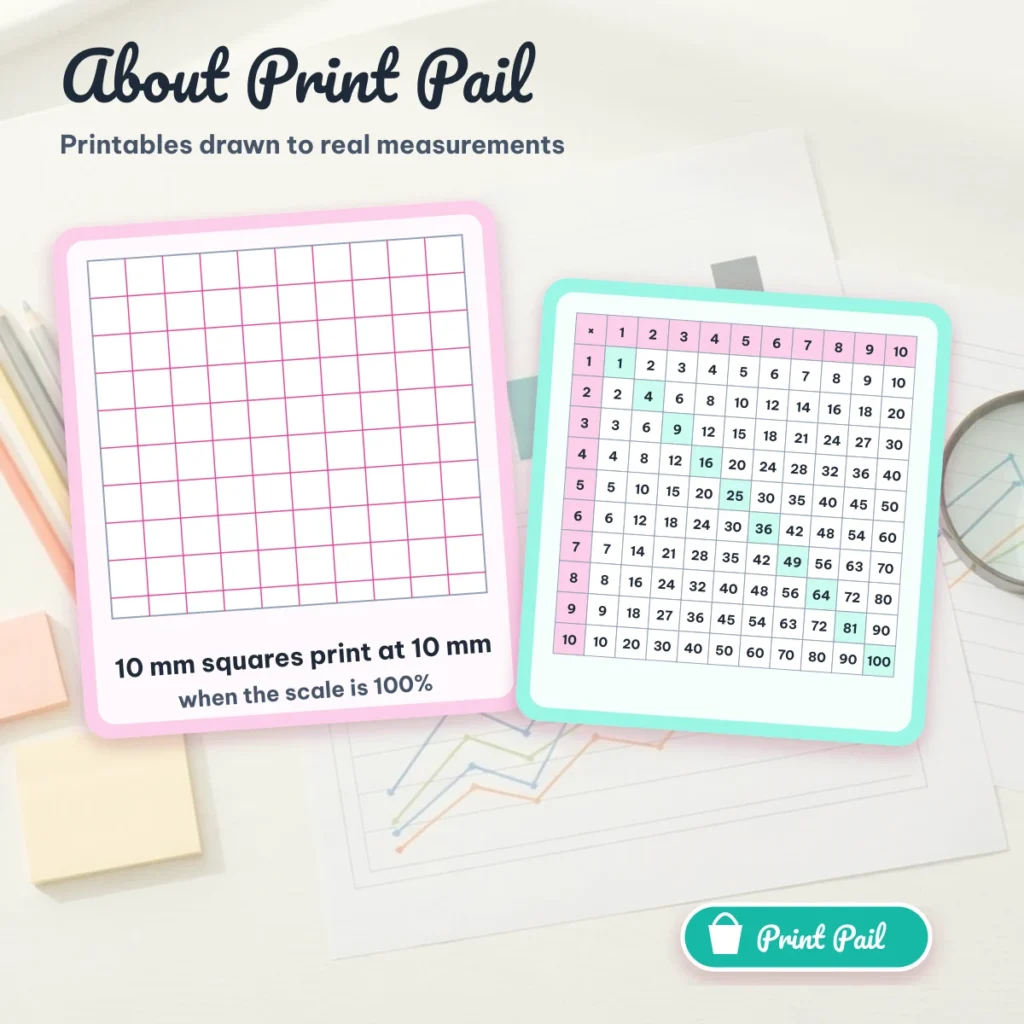
Print Pail is a small set of free printable sheets that are drawn in your browser: a multiplication chart, lined paper, grid paper and dot paper. You choose Letter or A4, set the spacing, check the preview and press Print. Every sheet is built to real measurements, so a 10 mm square prints at 10 mm when the print scale is 100%.
What Print Pail is for
Teachers, parents and students often print a chart or a sheet of ruled paper and find that it came out smaller than the screen promised. The usual cause is the print dialog set to “Fit to page”. Print Pail exists to make that problem easy to see and easy to fix: the preview shows the real sheet shape, and the page explains the six steps for printing at actual size.
How we check the sheets
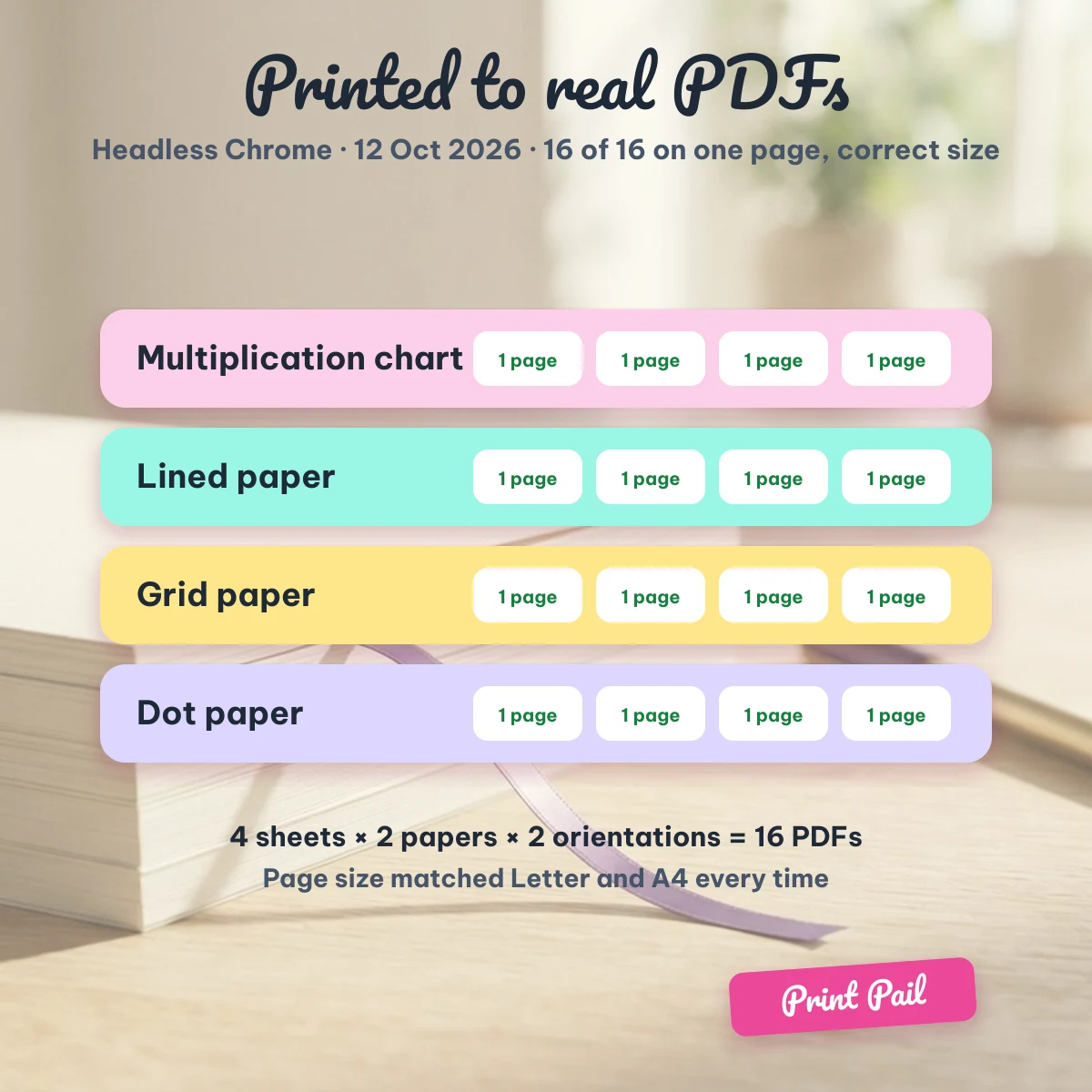
Before publishing the studio we printed each combination to PDF in a real Chrome browser: four sheet types, Letter and A4, portrait and landscape. That is 16 PDFs, and every one is exactly one page of the expected size. We also measured the drawing area: on Letter with a 10 mm border the usable area is 195.9 × 259.4 mm, which holds 19 × 25 squares at 10 mm, 39 × 51 at 5 mm, 30 × 40 at ¼ inch and 15 × 20 at ½ inch.
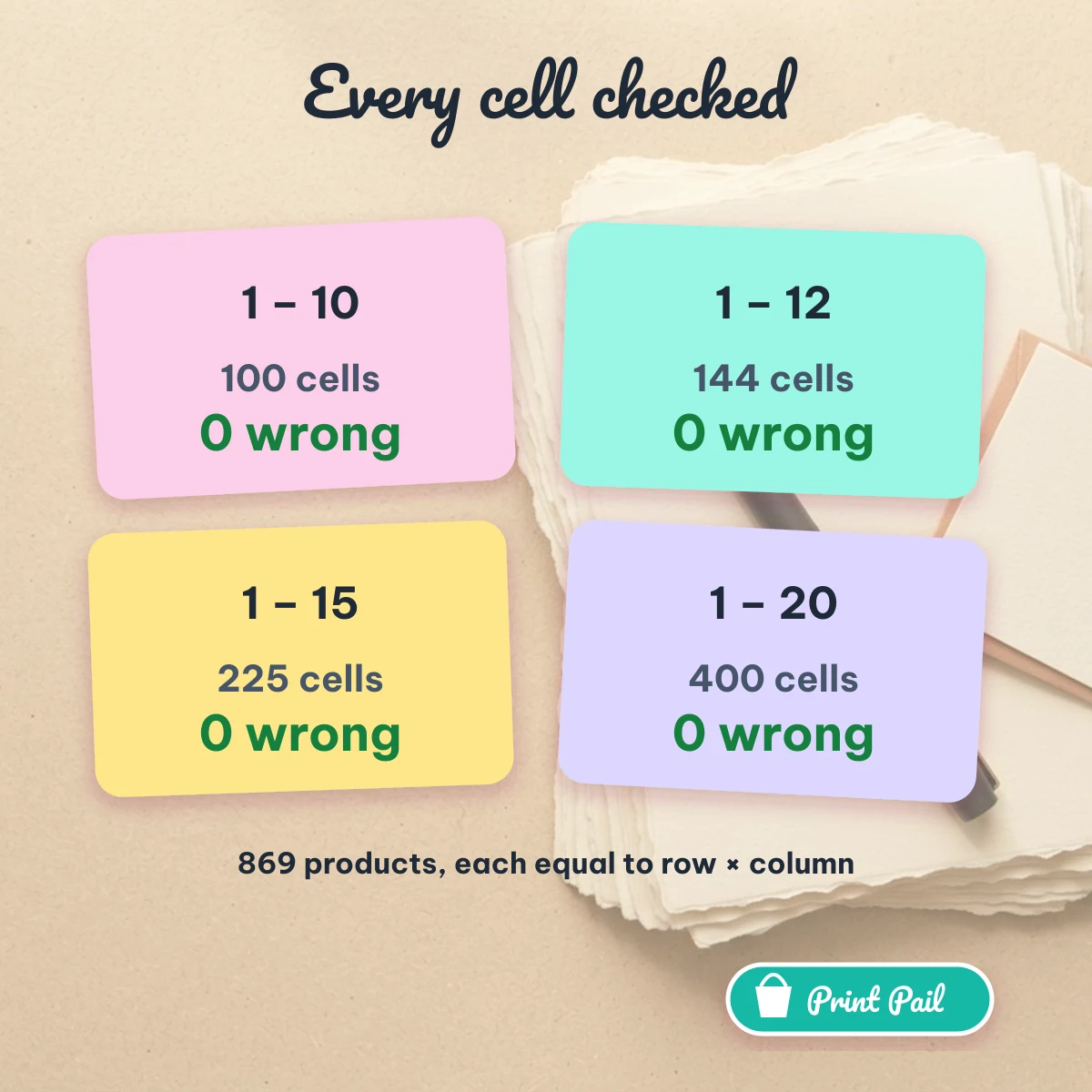
For the multiplication chart we compared every cell with the product of its row and column, for the four chart sizes (1–10, 1–12, 1–15 and 1–20). That is 869 cells and none was wrong. We re-run these checks when we change the code behind a sheet.
Who runs it
Print Pail is written and maintained by the Print Pail Team, a small editorial team. We do not publish personal names, credentials or a postal address on this page. You can reach us through the contact page, and the privacy policy and terms of use describe what the site stores and how the sheets may be used.
What we do not do
We do not sell the sheets, show ads or ask you to sign up. The tools that exist today are the four sheet types above; other printables on our shelf are added only when they are finished and tested.
Frequently asked questions
Is Print Pail free?
Yes. The sheets print without an account, a watermark or a download limit.
Who makes the sheets?
The Print Pail Team writes and tests them. We publish no personal names or credentials.
How do I know a sheet prints at the right size?
Set the print scale to 100% and hold a ruler to one printed square; the studio page explains each step.
Start printing at Print Pail, read how we handle data in the privacy policy, or write to us through the contact page.